
Value
A tone object, for the tone argument of light().
Details
A tone decides what lighter and darker look like for a given color, for use
as the tone argument of light(). How far faces move toward a tone's full
highlight and shadow is set by the ramp and the highlight and shadow
arguments of light().
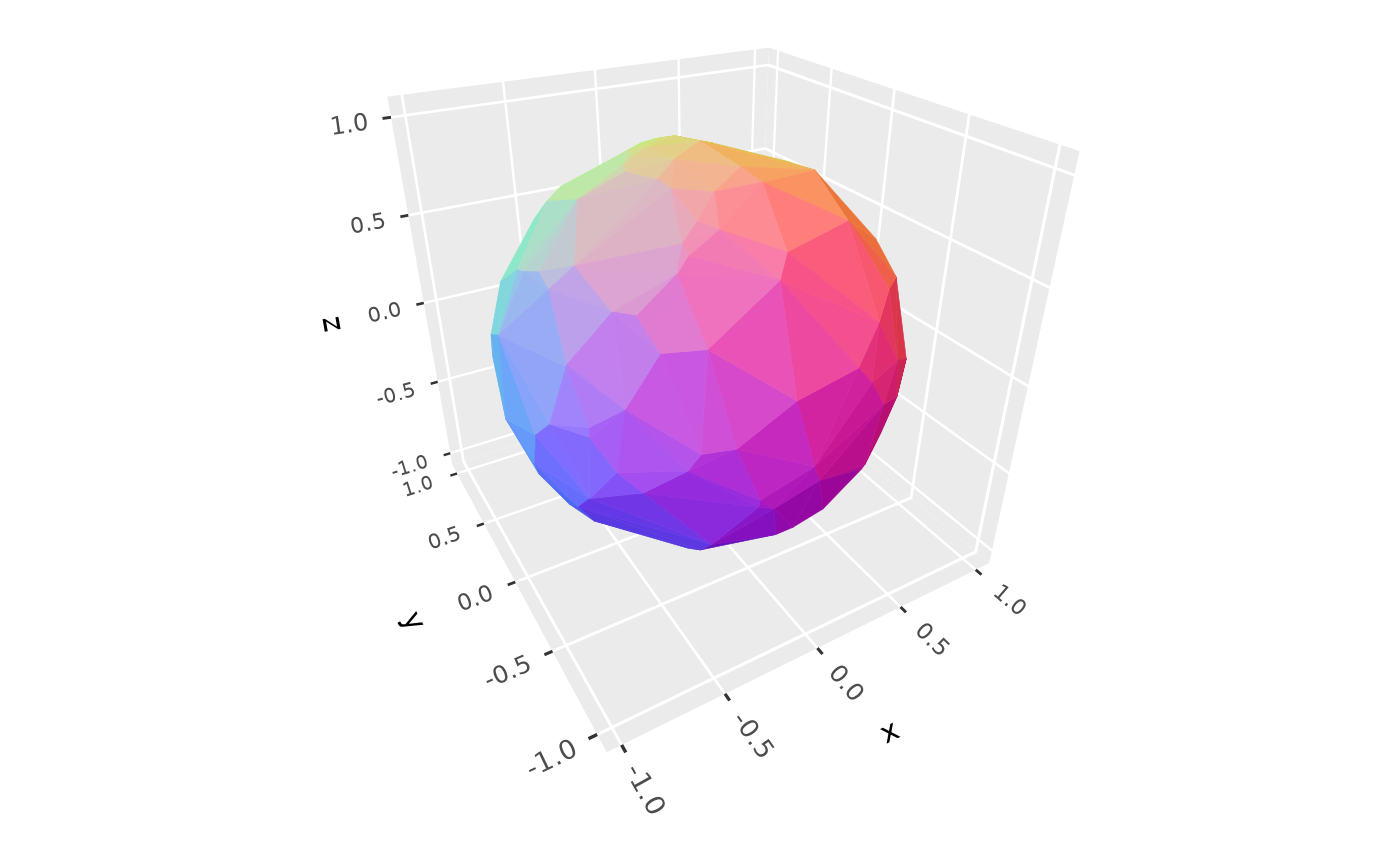
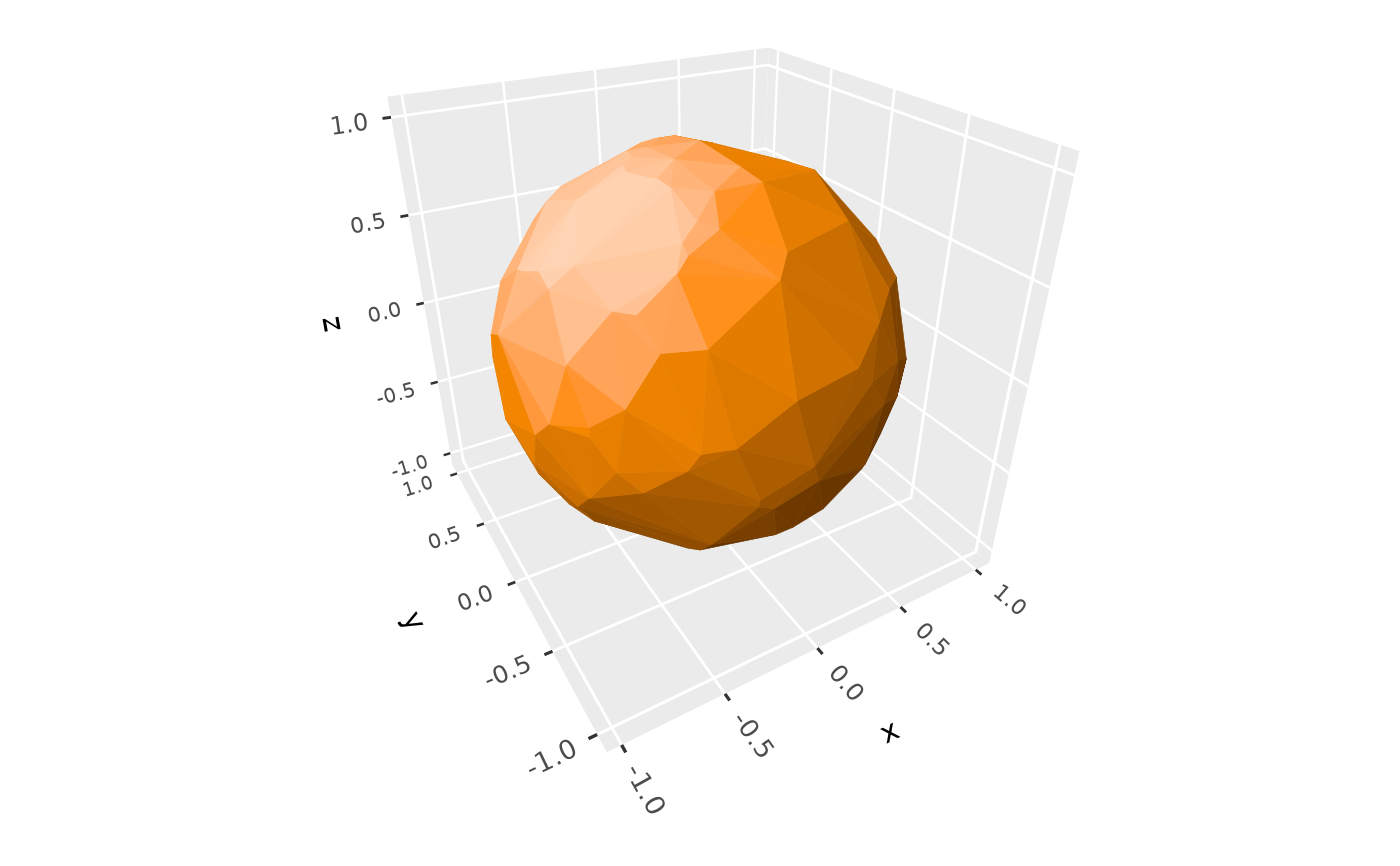
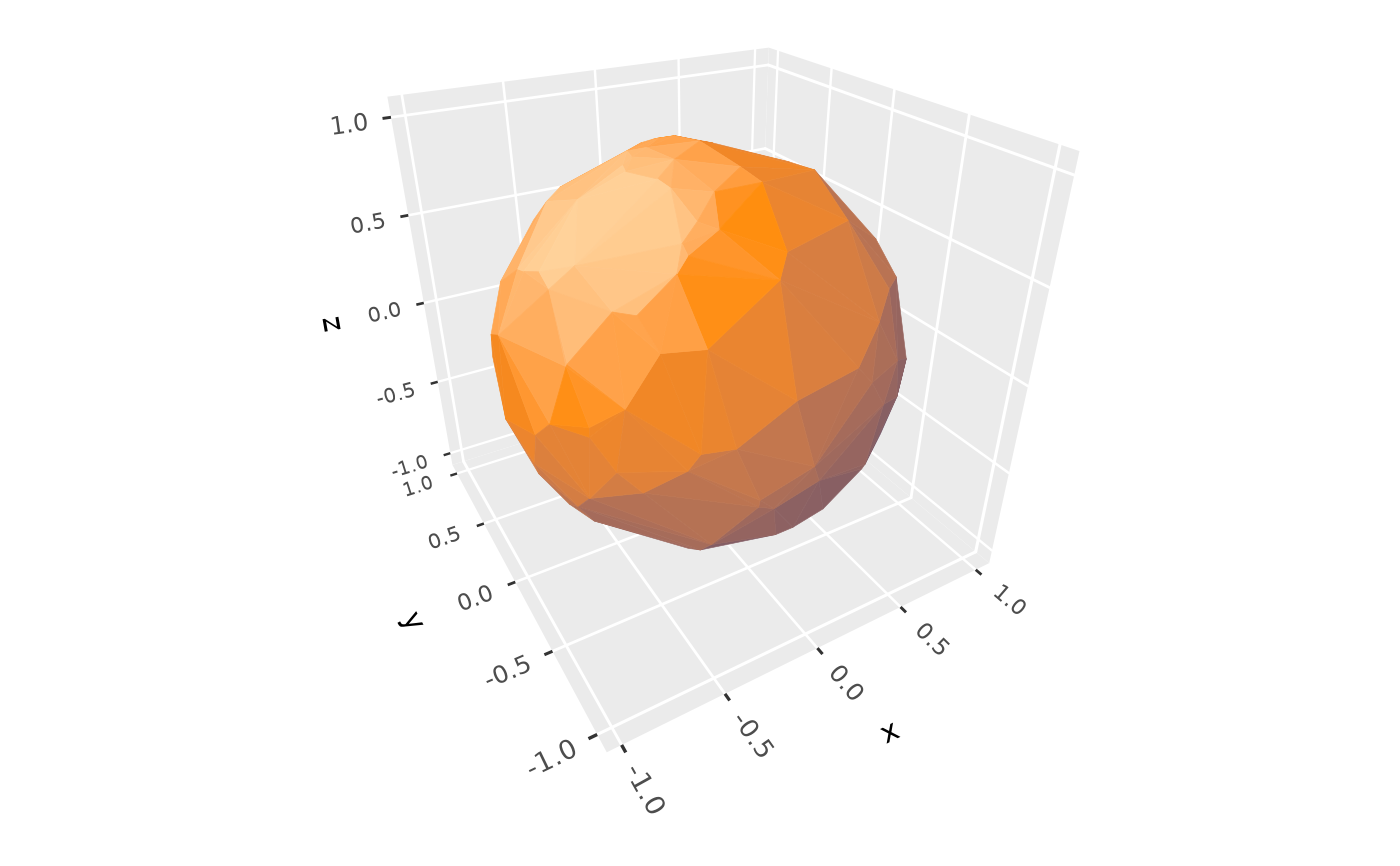
tone_lightness()makes colors lighter and darker versions of the same hue, reaching white at full highlight and black at full shadow. It changes lightness in the perceptual OKLab color space, keeping hue, and as much chroma as the sRGB gamut allows. This is the default.tone_tint()mixes colors toward a chosen highlight color and shadow color, in OKLab. This gives colored light, such as warm highlights with cool shadows, like the split toning of photography.tone_normals()ignores base colors, and colors each face by the direction it faces: face normals are mapped to RGB color space, rotated so that faces facing the light are white. 3D guides aren't shaded with this tone.
These can also be given to light() by name, as "lightness", "tint", or
"normals", to use their defaults.
See also
light(), and ramp_smooth() for ramps, which decide how brightness
changes with angle.
Examples
p <- ggplot(sphere_points, aes(x, y, z)) +
geom_hull_3d(fill = "darkorange", color = "darkorange") +
coord_3d(scales = "fixed")
p + light(tone = tone_lightness())
 # warm light with cool shadows
p + light(tone = tone_tint(shadow = "midnightblue", highlight = "lightyellow"))
 p + light(tone = tone_normals())