coord_3d is a 3D coordinate system that creates a 2D view of 3D data.
This is the essential core component of any plot made with ggcube.
It supports rotation, perspective projection, and options for controlling plot
aspect ratios, panel selection, axis label placement, and lighting.
Usage
coord_3d(
  pitch = 0,
  roll = -60,
  yaw = -30,
  persp = TRUE,
  dist = 2,
  expand = TRUE,
  clip = "off",
  panels = "background",
  xlabels = "auto",
  ylabels = "auto",
  zlabels = "auto",
  title_position = c("auto", "center"),
  rotate_labels = TRUE,
  scales = "free",
  scale_depth = TRUE,
  ratio = c(1, 1, 1),
  zoom = 1,
  light = waiver(),
  ...
)
Arguments
- roll, pitch, yaw
Rotation around x, y, and z axes, respectively, in degrees. Positive values rotate the near face of the plot "downward", "rightward", and clockwise, respectively.
- persp
Logical indicating whether to apply perspective projection. When
TRUE(the default), objects farther from the viewer appear smaller. WhenFALSE, produces an orthographic projection in which lines that are parallel in 3D space render as parallel in the plot.- dist
Distance from viewer to center of the data cube. Only used when
persp = TRUE. Larger values create less perspective distortion. Default is 2. Values less than 1 are allowed but can be problematic for rendering.- expand
Logical indicating whether to expand axis ranges beyond the data range, similar to standard ggplot2 behavior. If
TRUE(the default), expansion behavior can be controlled using standard axis scaling functions, e.g.... + scale_x_continuous(expand = expansion(.5)).- clip
Character string indicating clipping behavior. Use
"off"(the default, recommended for some 3D plots) to allow drawing outside the plot panel.- panels
Character vector specifying which panels to render, including one or more of the following:
"background"(the default),"foreground": faces laying behind or in front of the cube's interior volume, respectively. These panels vary depending on plot rotation."xmin","ymax", etc.: names of specific cube faces."all","none": display the full cube or remove all faces.
See cube_theming for details on panel styling, including transparency of foreground panels.
- xlabels, ylabels, zlabels
Character strings or length-2 character vectors specifying axis label (text and title) placement. Labels are placed inline with grid lines for the selected panel face. For each axis, there are four potential panels where labels could be placed, and two potential edges for each panel. Labels can only be placed on visible faces (see
panelsargument). Each parameter accepts:"auto"(default): Automatic edge selection based on an algorithm that prioritizes edges that are visible on the periphery of the plot and considers several attributes of face geometry for better readability.c("face1", "face2"): Manual edge specification using two adjacent face names (e.g.,c("xmin", "ymin")selects the edge shared by the xmin and ymin faces). The first face in the vector determines which face the axis labels will be aligned with, while the second face identifies which edge of this face gets labelled. Available face names are: "xmin", "xmax", "ymin", "ymax", "zmin", "zmax".
See cube_theming for details on axis label styling.
- title_position
Character string controlling axis title placement. Currently only affects titles for internal axes (not on the plot periphery); titles for axes on the plot periphery are always centered along the axis edge.
"auto"(default): Internal axis titles are placed at the near end of the axis, outside the plot area."center": Internal axis titles are centered along the axis edge.
- rotate_labels
Logical indicating whether axis labels (text and titles) should automatically rotate to align with the projected axis directions. When
FALSE, uses theme text and title angle settings.Automatic rotation also sets its own justification, since
vjustwould push text perpendicular to the axis it belongs to andhjustdecides which end of the edge the text hangs off. Avjustorhjustset in the theme still takes precedence. "Set" means differing from the value the element inherits fromtheme_grey, so assigning a value that happens to equal the inherited one has no effect. Note also thattheme(axis.text = ...)does not reach the x axis, whosevjustandhjustare given explicitly bytheme_grey(); useaxis.text.xfor that axis.- scales
Character string specifying aspect ratio behavior:
"free"(default): Each axis scales independently to fill cube space, thenratioapplies to standardized coordinates. This gives maximum visual range for each dimension."fixed": Maintains proportional relationships in raw data values, as scaled byratio. Similar tocoord_fixed()but for 3D (visual ratios match the labeled axis ranges).
- scale_depth
Controls how axis-related elements scale with viewing distance under perspective projection, in which objects nearer the viewer are drawn larger. Accepts:
TRUE(default) orFALSE: full depth scaling, or none.A single number: applied to every element.
1is the default strength,0disables scaling, values below 1 subdue the effect and values above 1 exaggerate it. Negative values are an error.A named numeric vector, to set elements individually. Names are
"grid"(panel gridlines),"border"(cube edges), and"text"(axis tick labels), after the theme elements they govern. Unnamed elements keep their default.
Strength
smaps a depth factordtod^s, so the effect scales geometrically and never produces a non-positive size. This affects axis-related elements only; layers have their ownscale_depthparameters. Axis titles are never depth-scaled, since a single title has no series of sizes to read as perspective. Has no effect whenpersp = FALSE, where all depth factors are 1.- ratio
Numeric vector of length 3 specifying relative axis lengths as
c(x, y, z). Defaults toc(1, 1, 1)for equal proportions.With
scales = "free": Ratios apply to scaled cube coordinatesWith
scales = "fixed": Ratios apply to original data coordinates
- zoom
Numeric value controlling the framing of the plot. Values greater than 1 zoom in (tighter framing, may crop edges), values less than 1 zoom out (more whitespace around the plot). Default is 1.
- light
Lighting specification for the plot. Usually left unset: add
light()to the plot instead, which is the recommended way to set plot-level lighting and can appear anywhere in the plot expression. Supplyinglighthere as well as addinglight()to the plot is an error. UseNULLto disable lighting, orlight("none")for an equivalent lighting object.- ...
Additional arguments reserved for internal use.
Collapsed axes
An axis parallel to the viewing direction projects to a single point rather
than a line. This happens under persp = FALSE if the view is
square to a cube face, and is approached as dist grows. Every break
then falls in the same place, so tick labels would stack into an illegible
pile. In this situation, an axis is drawn as a single diagonal tick at the
corner it collapses to, and the pile of tick labels is replaced with a bracketed
summary of the axis range. You can remove the summary with
theme(axis.text.y = element_blank()), for example.
See also
light() for lighting specification, cube_theming for panel and
text styling, polygon_params for 3D-related parameters for polygon layers.
Examples
# base plot used in examples
p <- ggplot() +
geom_function_3d(
aes(fill = after_stat(z), color = after_stat(z)),
fun = function(x, y) sin(x) * cos(y),
xlim = c(-pi, pi), ylim = c(-pi, pi), n = 50) +
light("direct", contrast = .7) +
scale_fill_viridis_c() +
scale_color_viridis_c() +
theme(legend.position = "none")
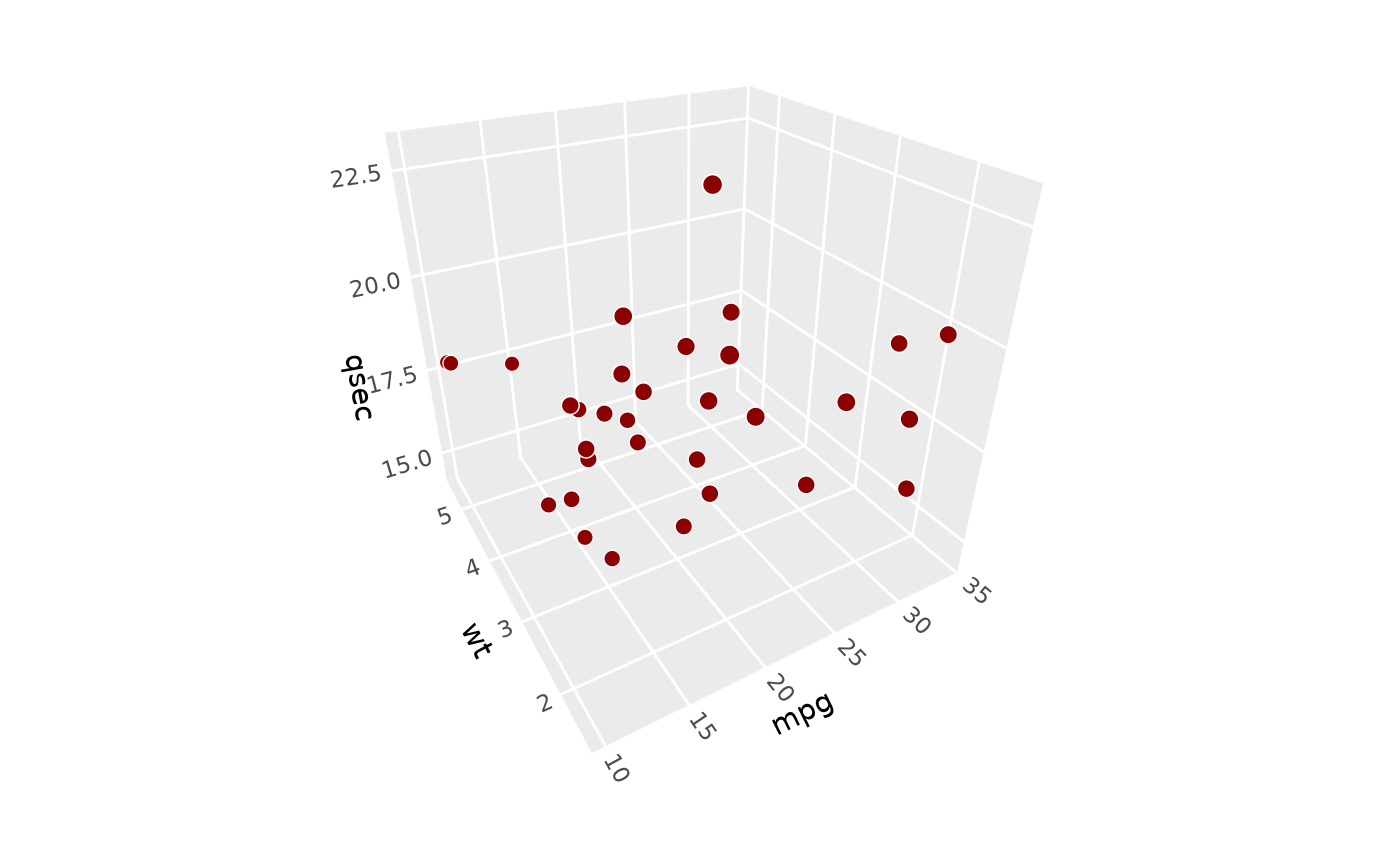
# 3D plot with default coord settings
p + coord_3d()
 # \donttest{
# Use `pitch`, `roll`, `yaw` to control plot rotation ----------------------
# zero rotation gives view from x-y face
p + coord_3d(pitch = 0, roll = 0, yaw = 0)
# \donttest{
# Use `pitch`, `roll`, `yaw` to control plot rotation ----------------------
# zero rotation gives view from x-y face
p + coord_3d(pitch = 0, roll = 0, yaw = 0)
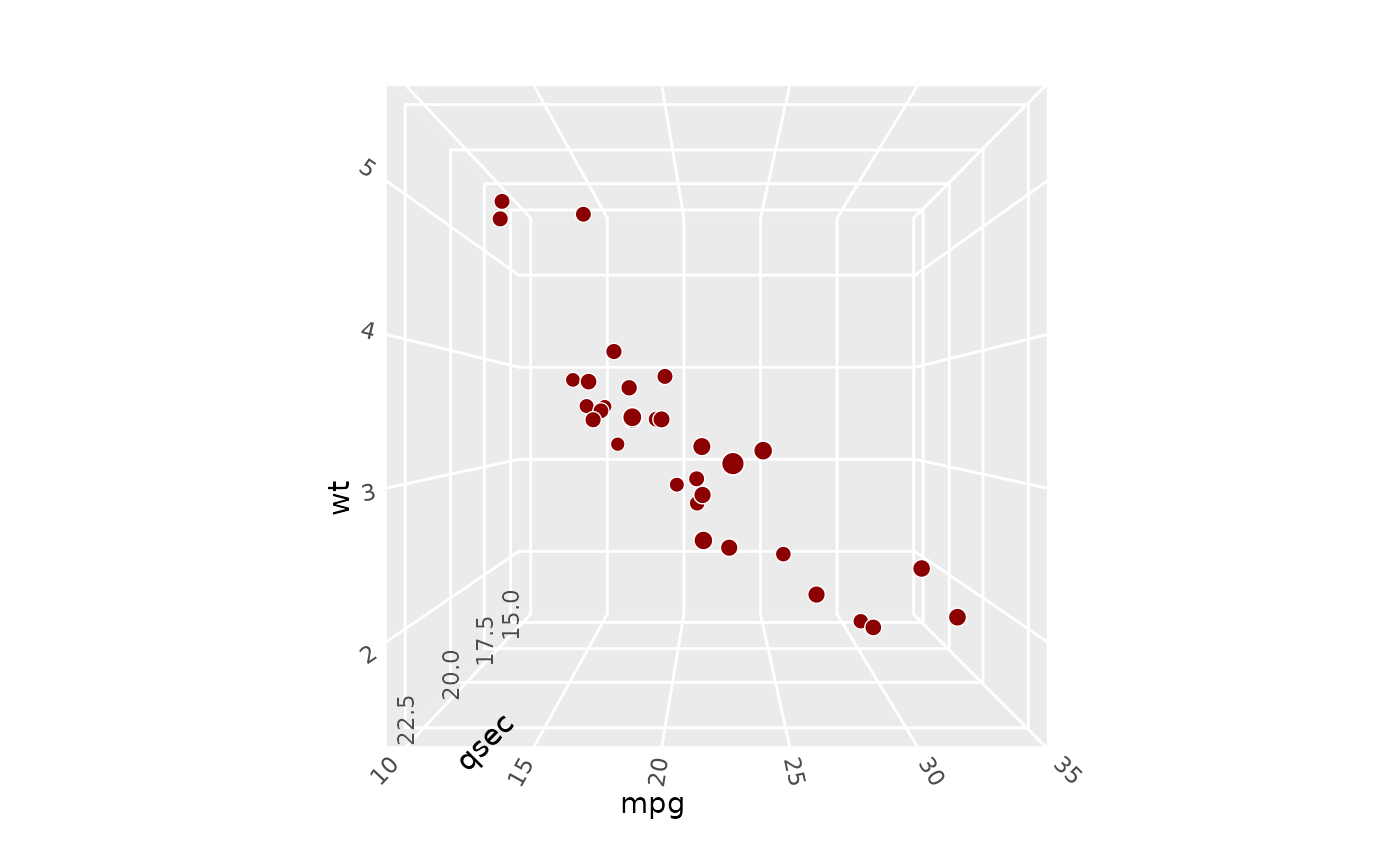 # pitch rotates plot around y axis
p + coord_3d(pitch = 30, roll = 0, yaw = 0)
# pitch rotates plot around y axis
p + coord_3d(pitch = 30, roll = 0, yaw = 0)
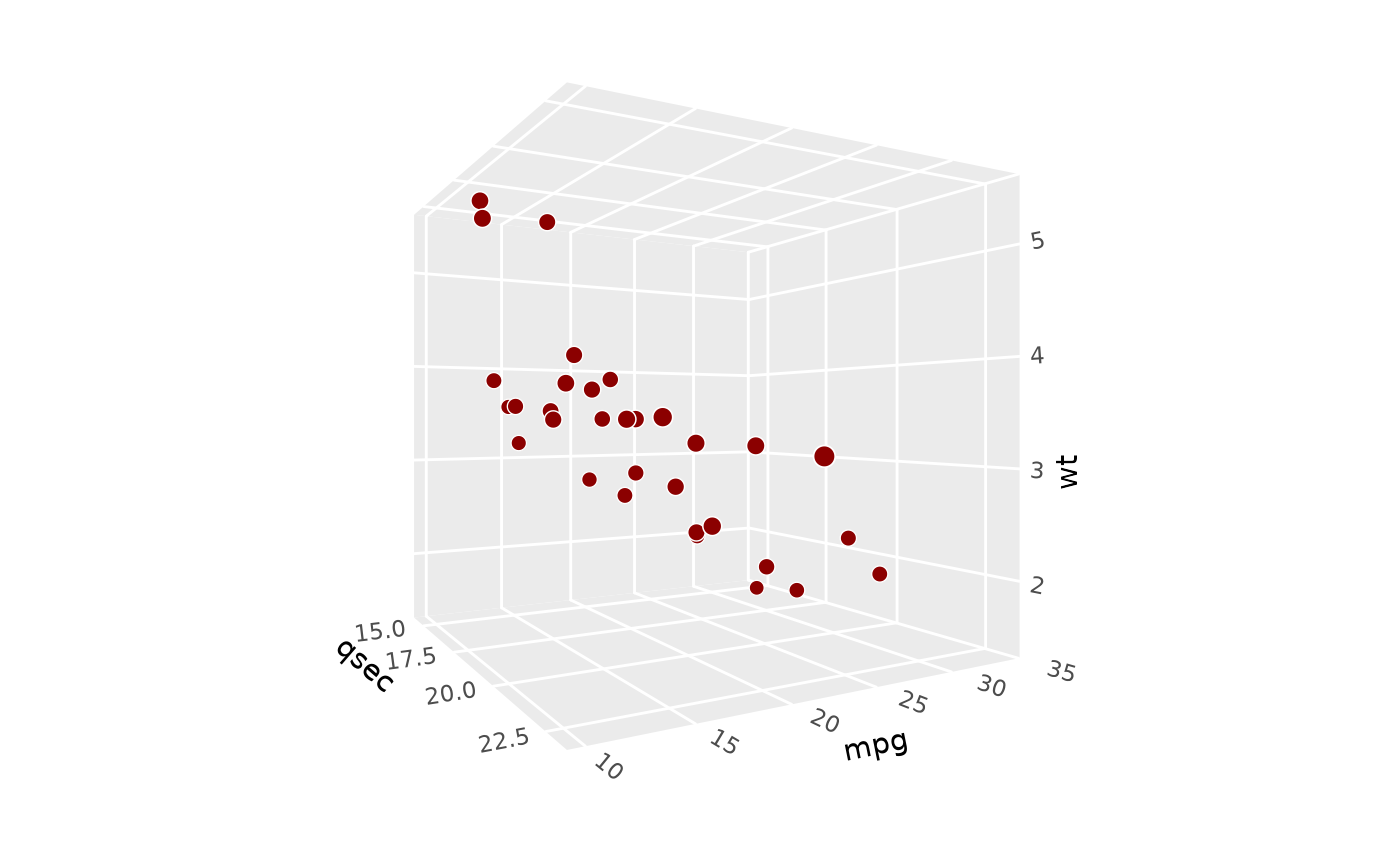 # roll rotates plot around x axis
p + coord_3d(pitch = 0, roll = 30, yaw = 0)
# roll rotates plot around x axis
p + coord_3d(pitch = 0, roll = 30, yaw = 0)
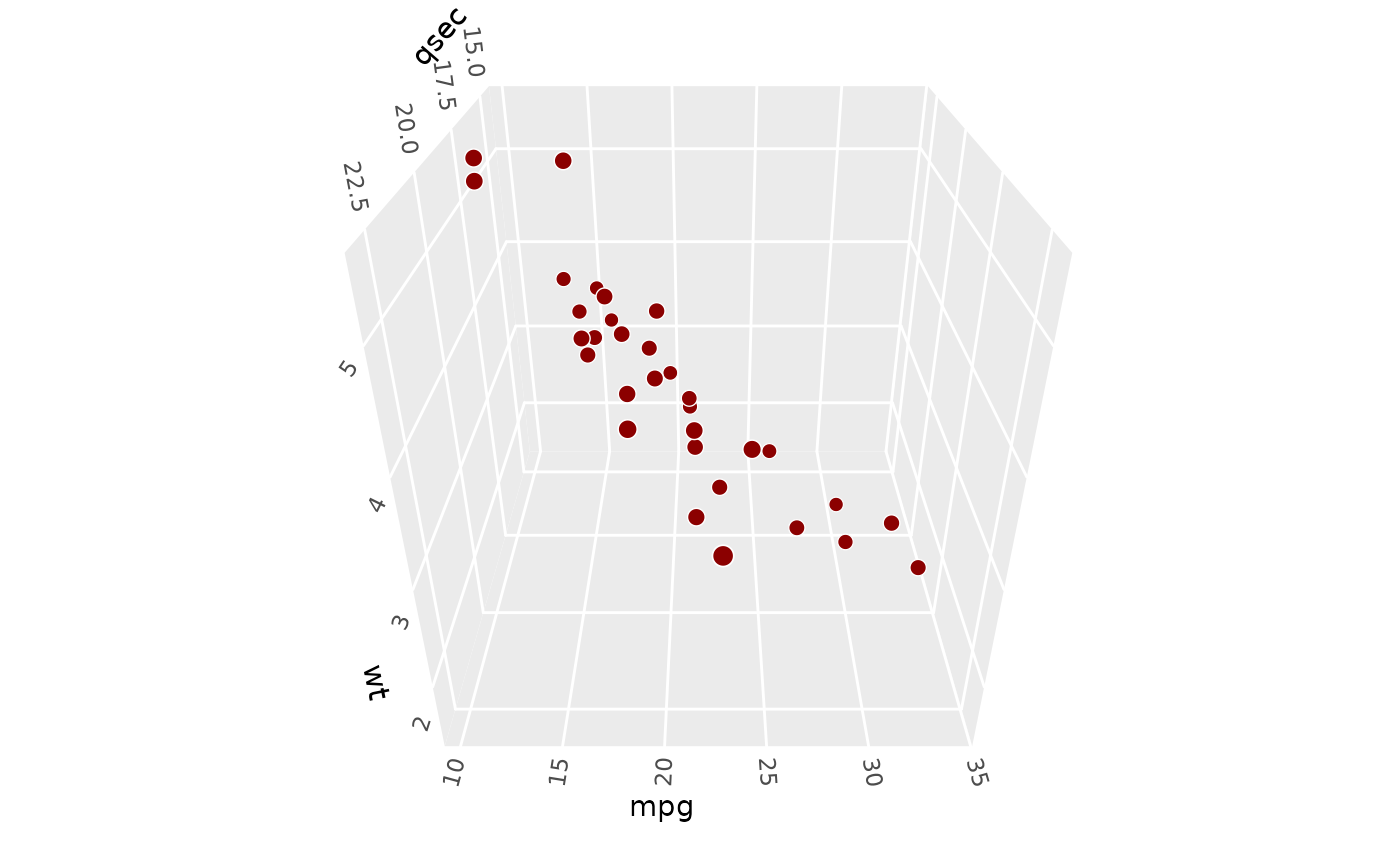 # yaw rotates plot around z axis
p + coord_3d(pitch = 0, roll = 0, yaw = 30)
# yaw rotates plot around z axis
p + coord_3d(pitch = 0, roll = 0, yaw = 30)
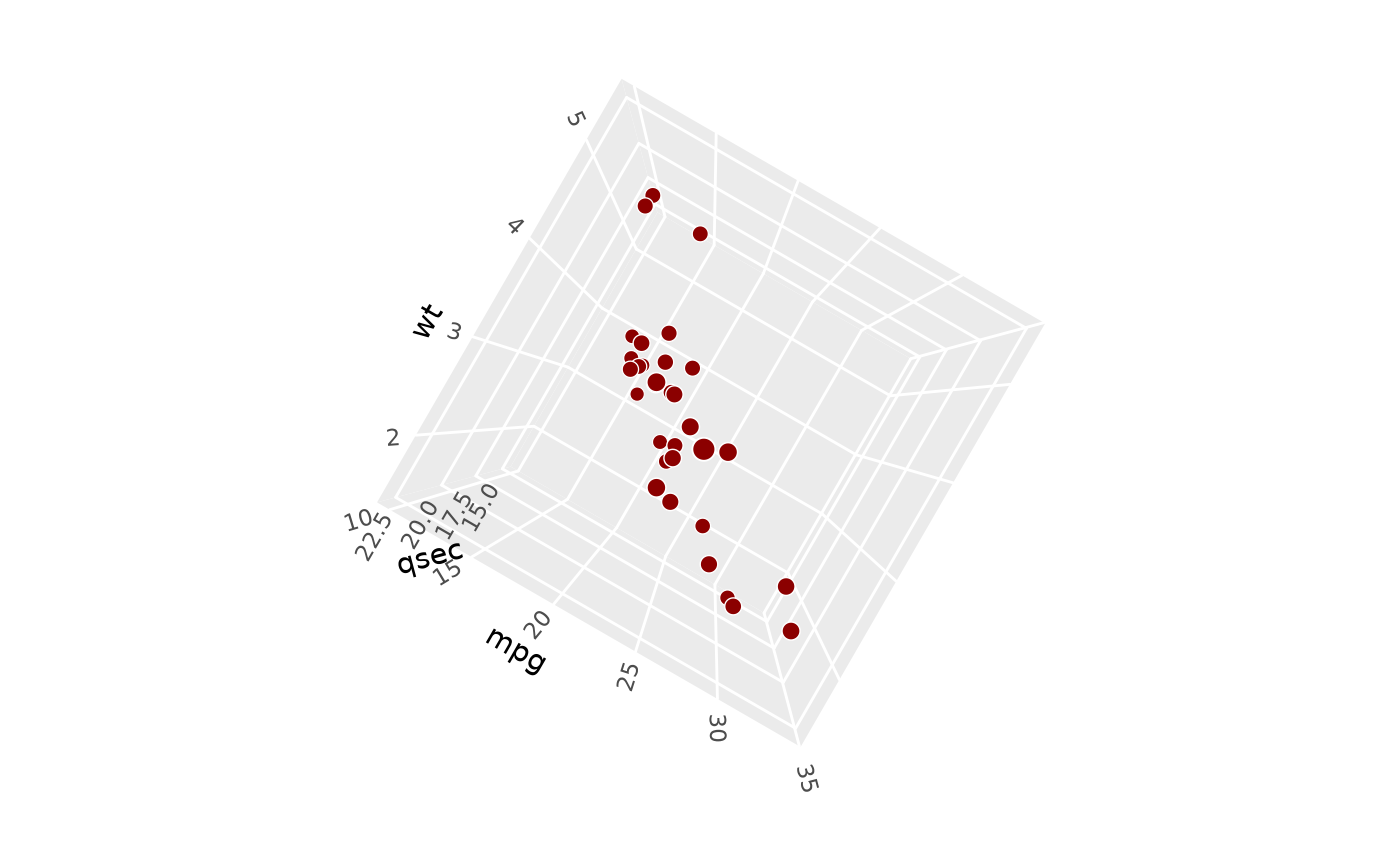 # combine them to achieve arbitrary rotations
p + coord_3d(pitch = 20, roll = 40, yaw = 60)
# combine them to achieve arbitrary rotations
p + coord_3d(pitch = 20, roll = 40, yaw = 60)
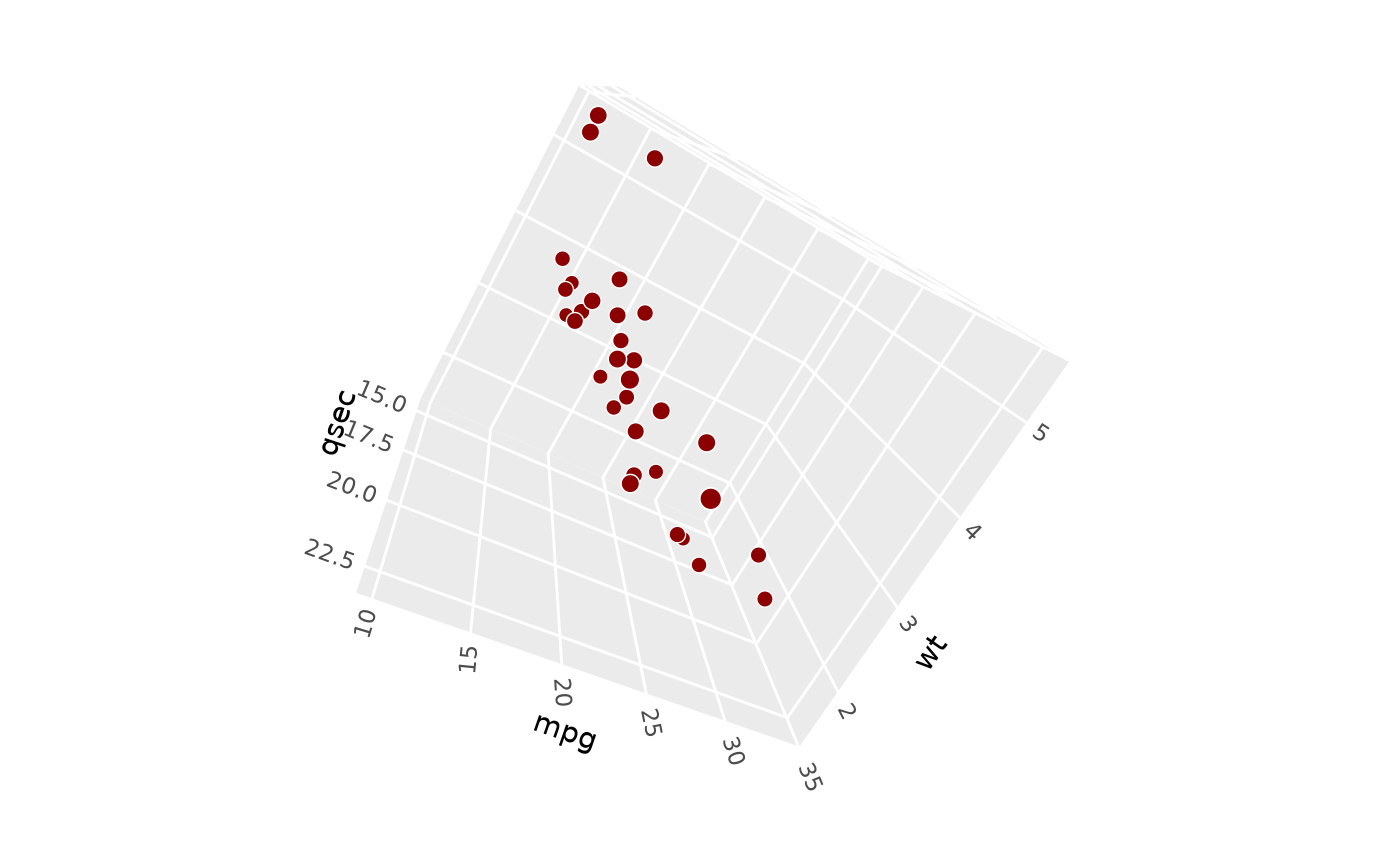 # Use `persp` and `dist` to control perspective effects --------------------
# strong perspective effect as if seen from very close
p + coord_3d(dist = 1)
# Use `persp` and `dist` to control perspective effects --------------------
# strong perspective effect as if seen from very close
p + coord_3d(dist = 1)
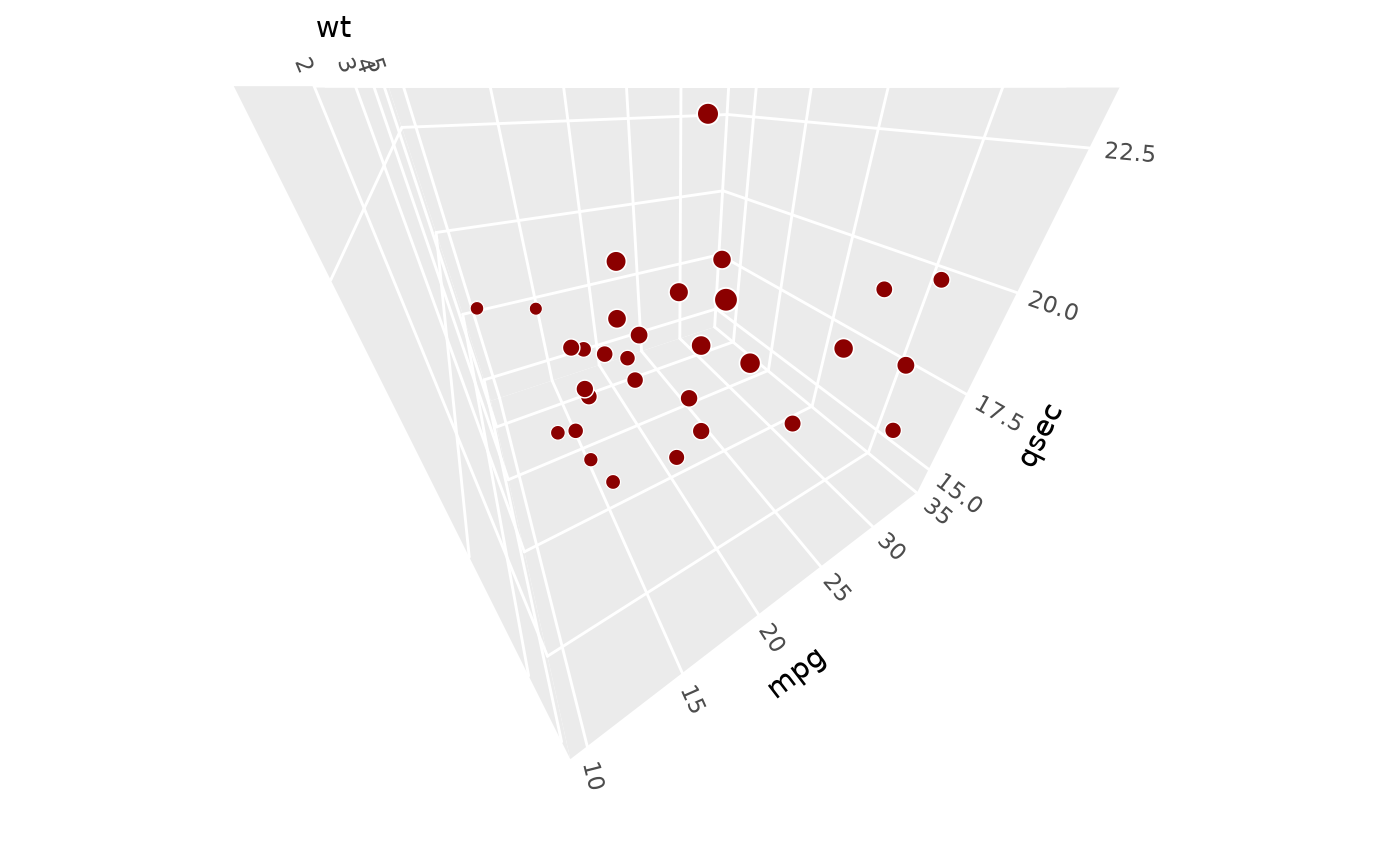 # weaker perspective effects as if seen from far away
p + coord_3d(dist = 3)
# weaker perspective effects as if seen from far away
p + coord_3d(dist = 3)
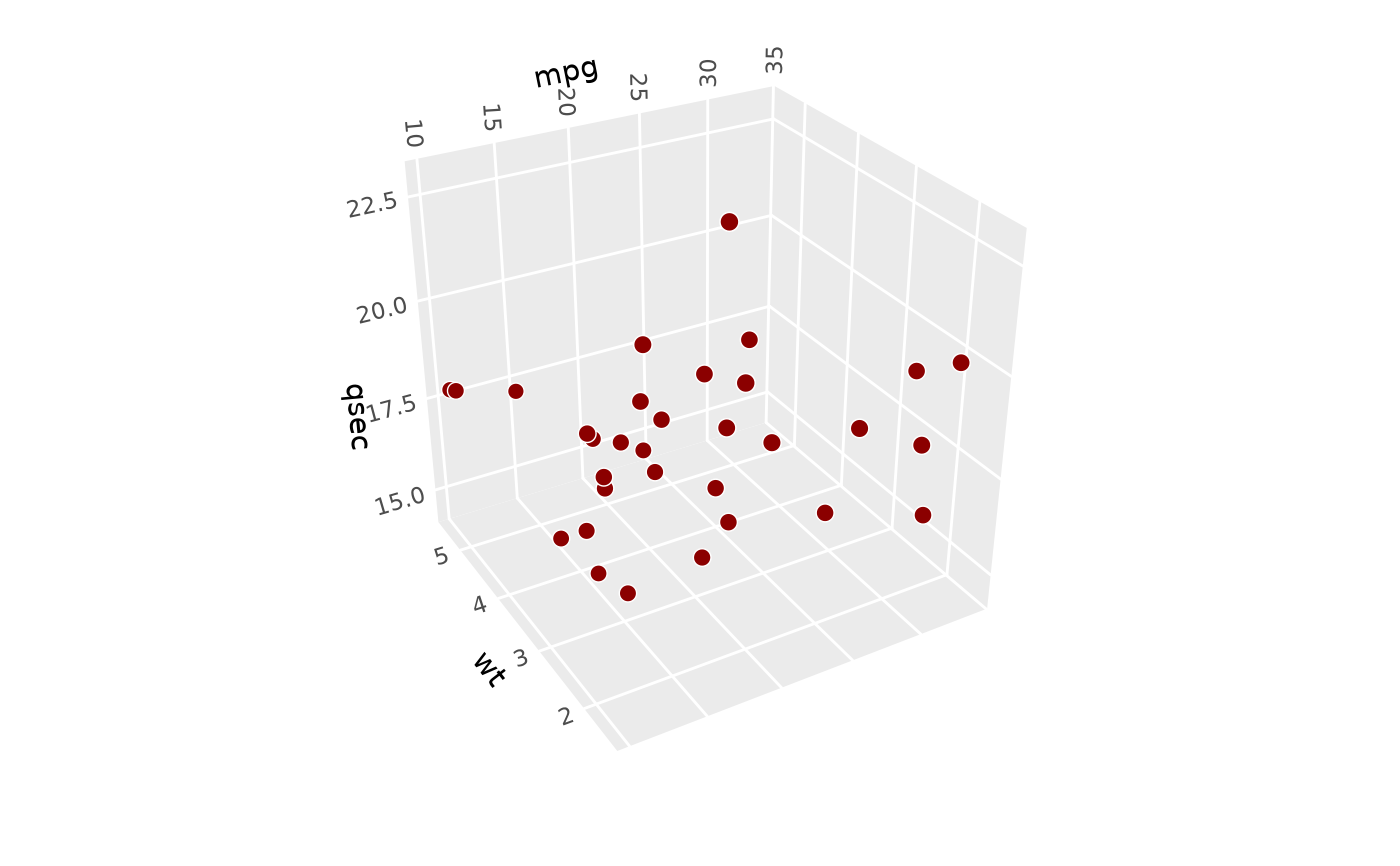 # orthographic projection (`dist = Inf` would be equivalent but it errors)
p + coord_3d(persp = FALSE)
# orthographic projection (`dist = Inf` would be equivalent but it errors)
p + coord_3d(persp = FALSE)
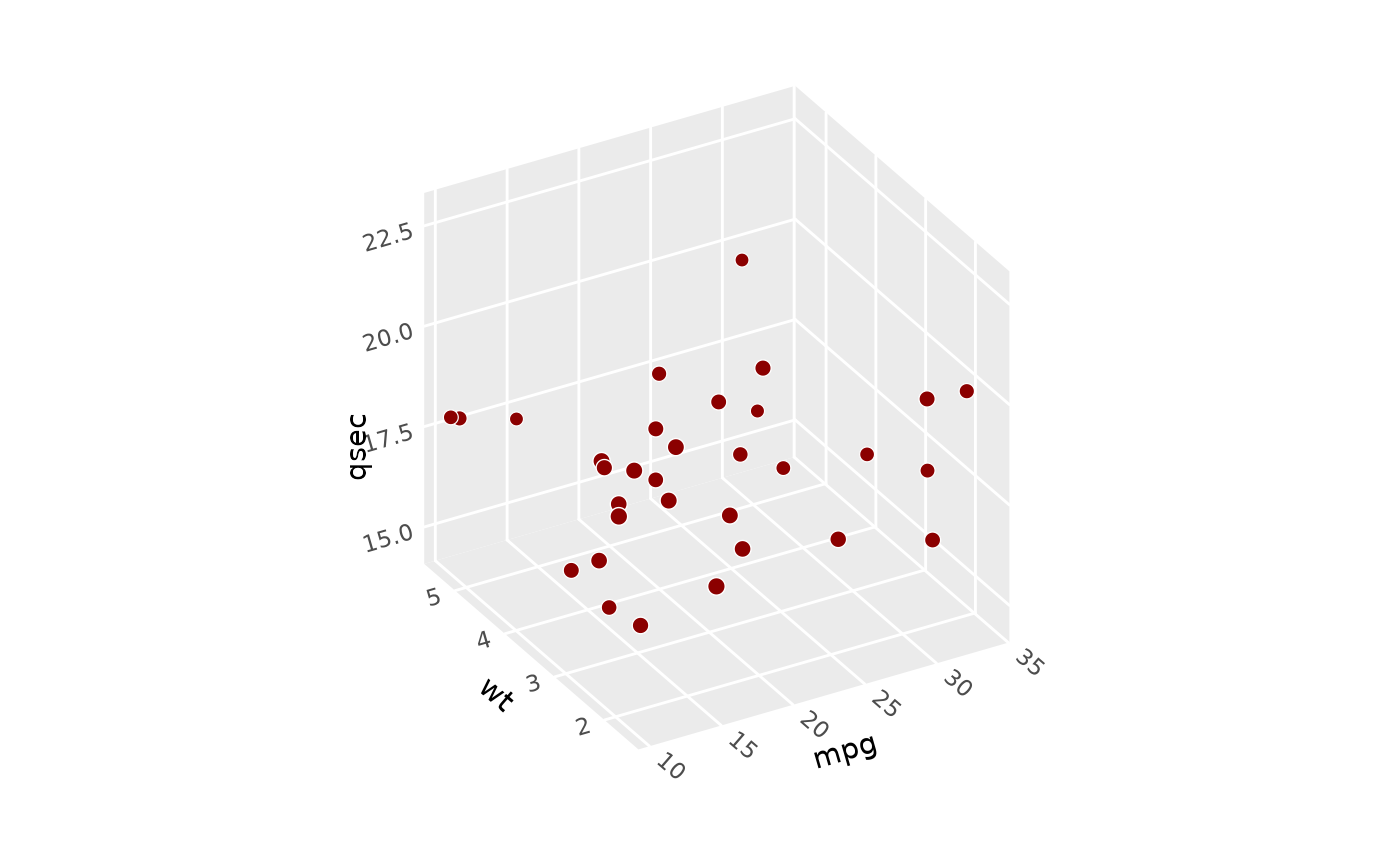 # Use `scales` and `ratio` to control aspect ratio -------------------------
# The default "free" scales shown above give cube with maximum visual range.
# Use "fixed" scales to make figure match data scales, like coord_fixed.
p + coord_3d(scales = "fixed")
# Use `scales` and `ratio` to control aspect ratio -------------------------
# The default "free" scales shown above give cube with maximum visual range.
# Use "fixed" scales to make figure match data scales, like coord_fixed.
p + coord_3d(scales = "fixed")
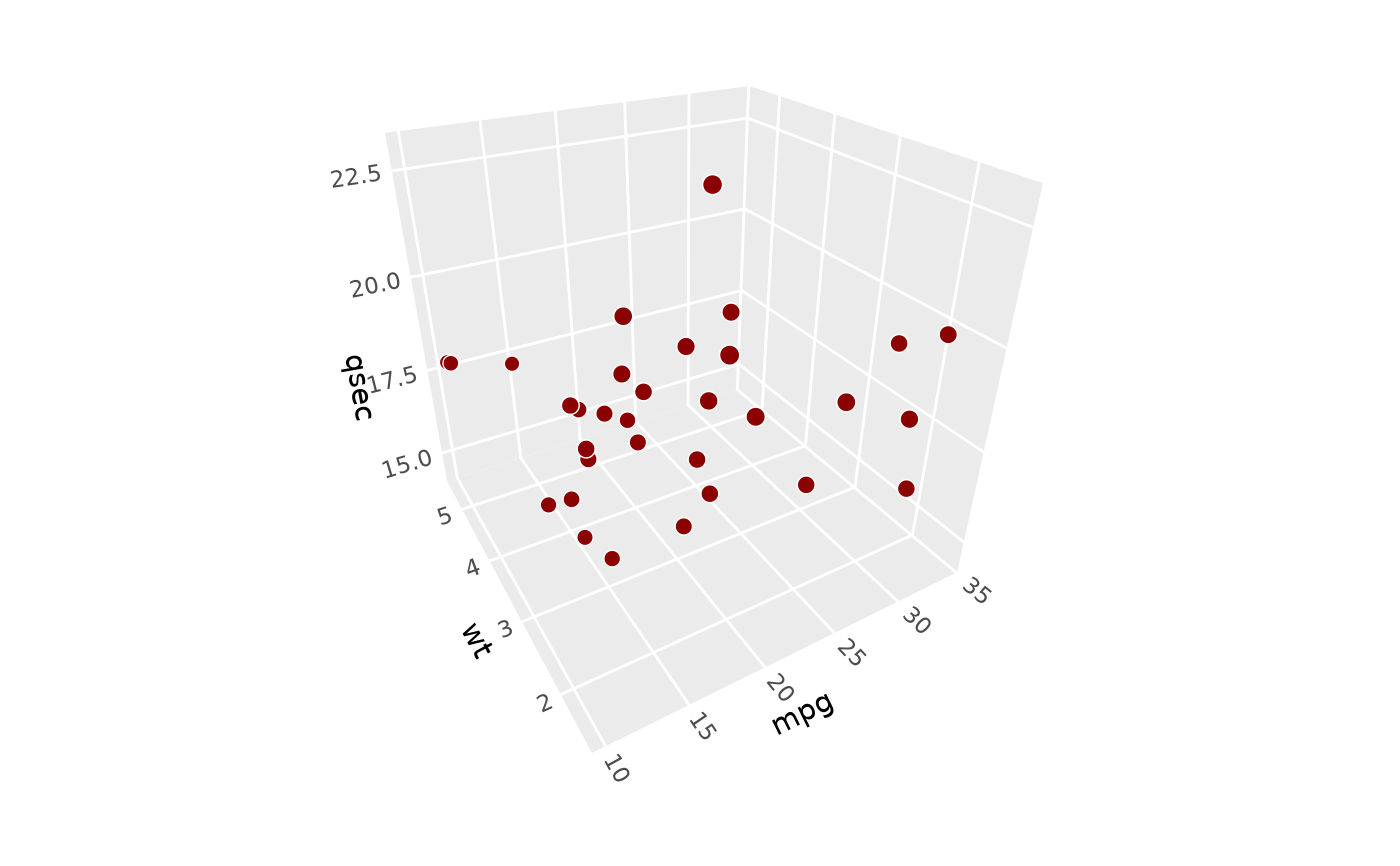 # Custom aspect ratios: make y twice as long visually
p + coord_3d(scales = "free", ratio = c(1, 2, 1))
# Custom aspect ratios: make y twice as long visually
p + coord_3d(scales = "free", ratio = c(1, 2, 1))
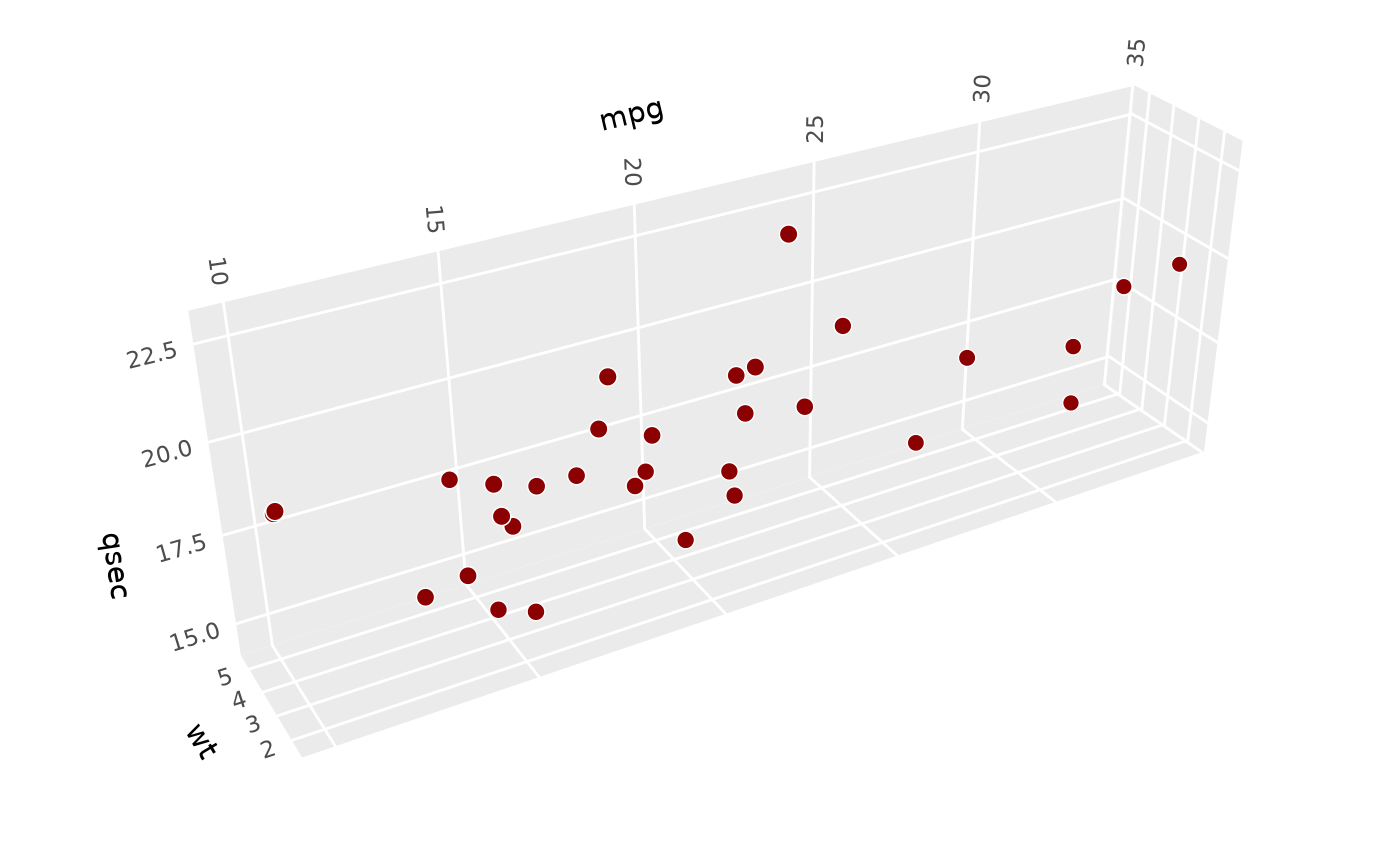 # Combine behaviors: fix scales and make y twice as long
p + coord_3d(scales = "fixed", ratio = c(1, 2, 1))
# Combine behaviors: fix scales and make y twice as long
p + coord_3d(scales = "fixed", ratio = c(1, 2, 1))
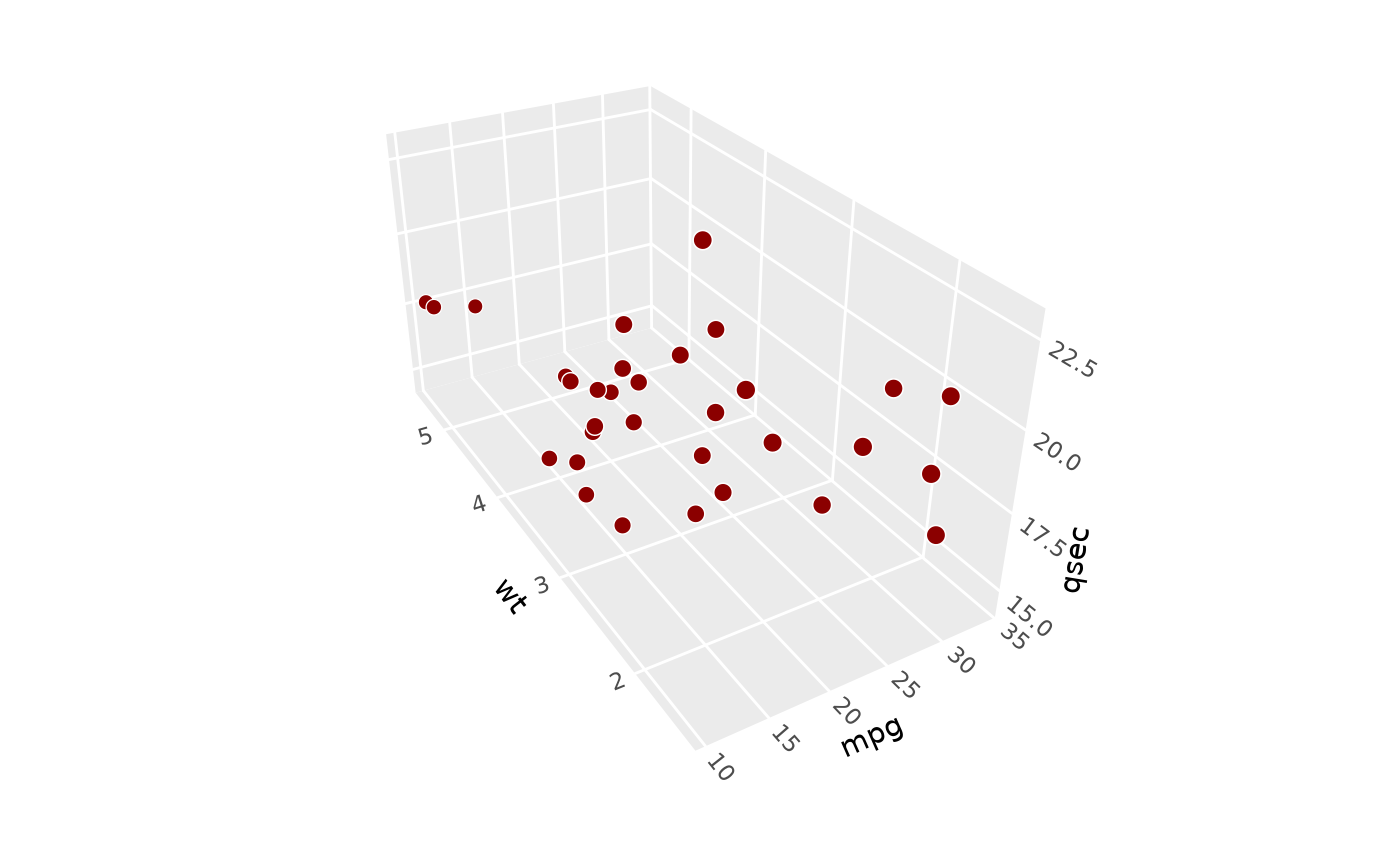 # Use `panels` to select which cube faces to render ------------------------
p + coord_3d(panels = c("xmin", "xmax", "zmax"))
# Use `panels` to select which cube faces to render ------------------------
p + coord_3d(panels = c("xmin", "xmax", "zmax"))
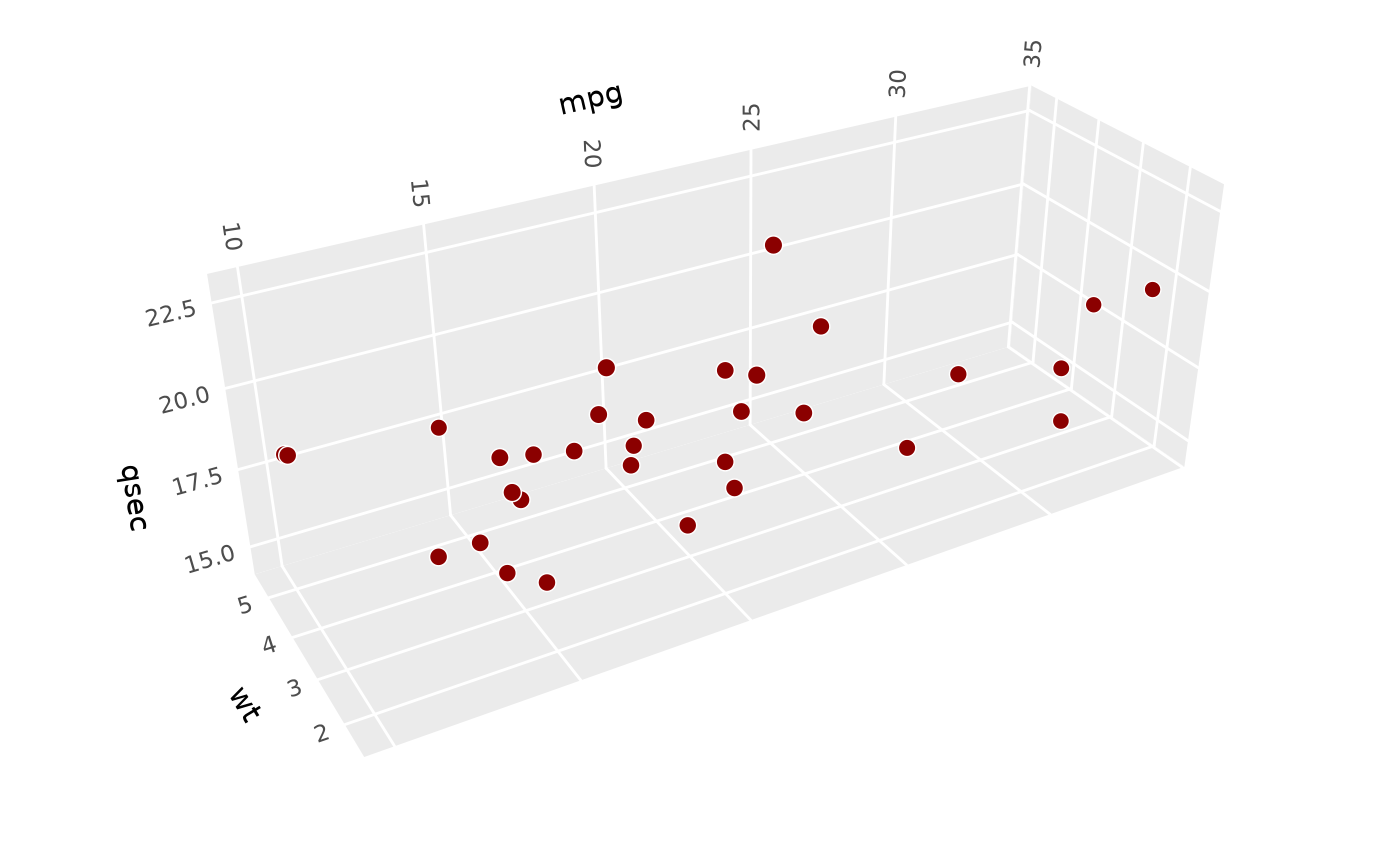 # foreground panels default to 20% opaque (can be styled using `theme()`)
p + coord_3d(panels = "all")
# foreground panels default to 20% opaque (can be styled using `theme()`)
p + coord_3d(panels = "all")
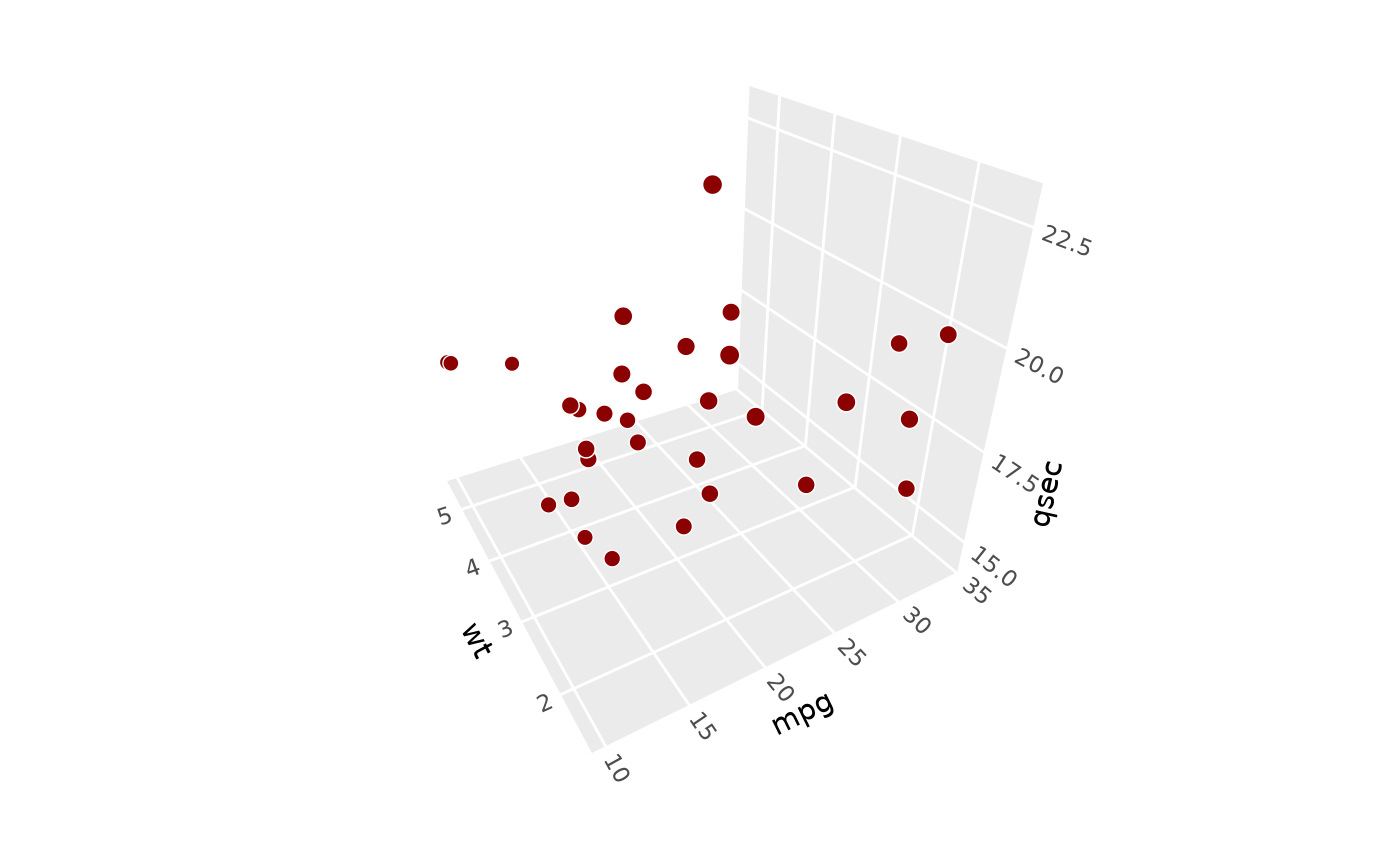 # Use label params to control axis text placement and rotation -------------
p + coord_3d(xlabels = c("ymax", "zmax"),
zlabels = c("xmax", "ymin"))
# Use label params to control axis text placement and rotation -------------
p + coord_3d(xlabels = c("ymax", "zmax"),
zlabels = c("xmax", "ymin"))
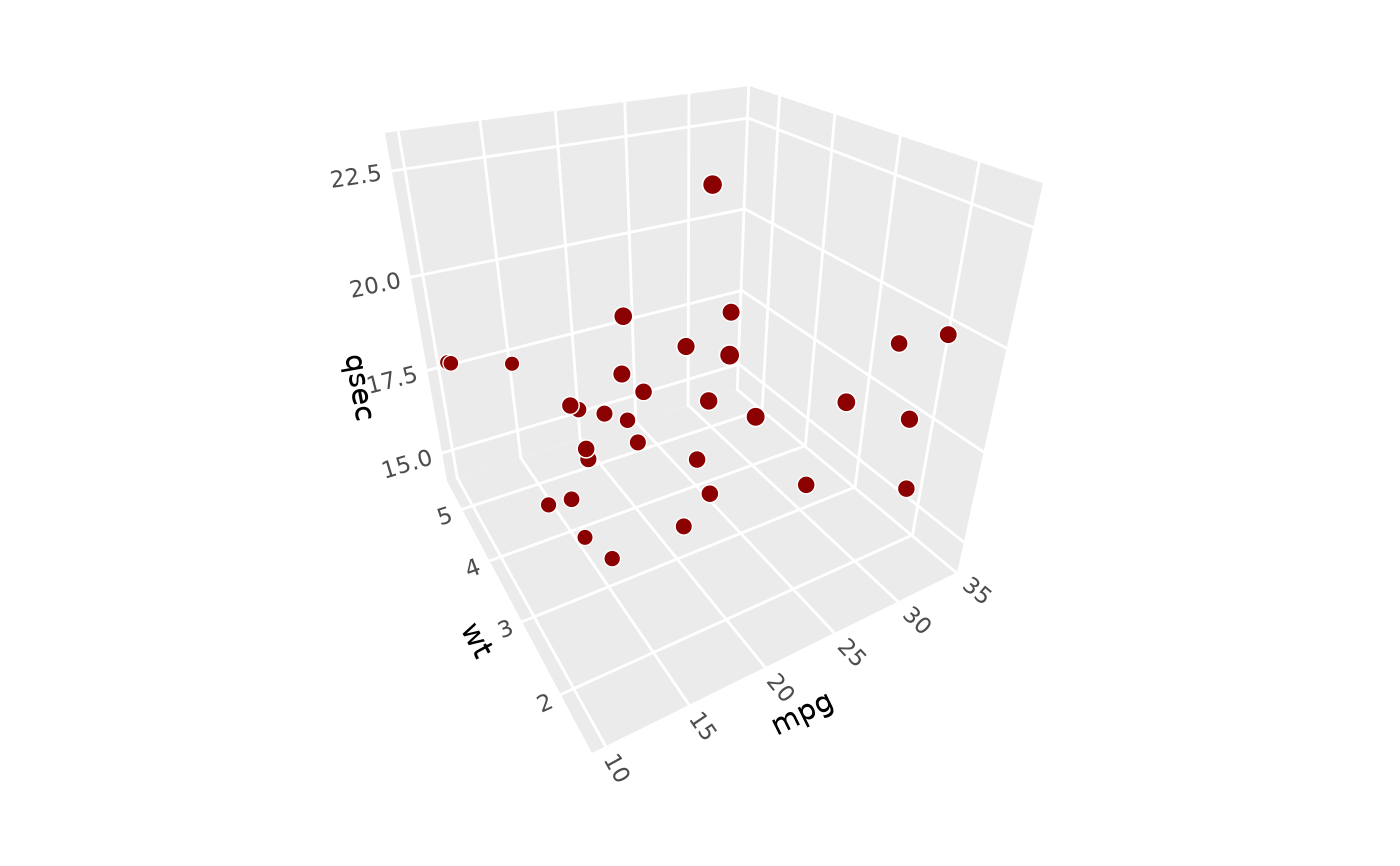
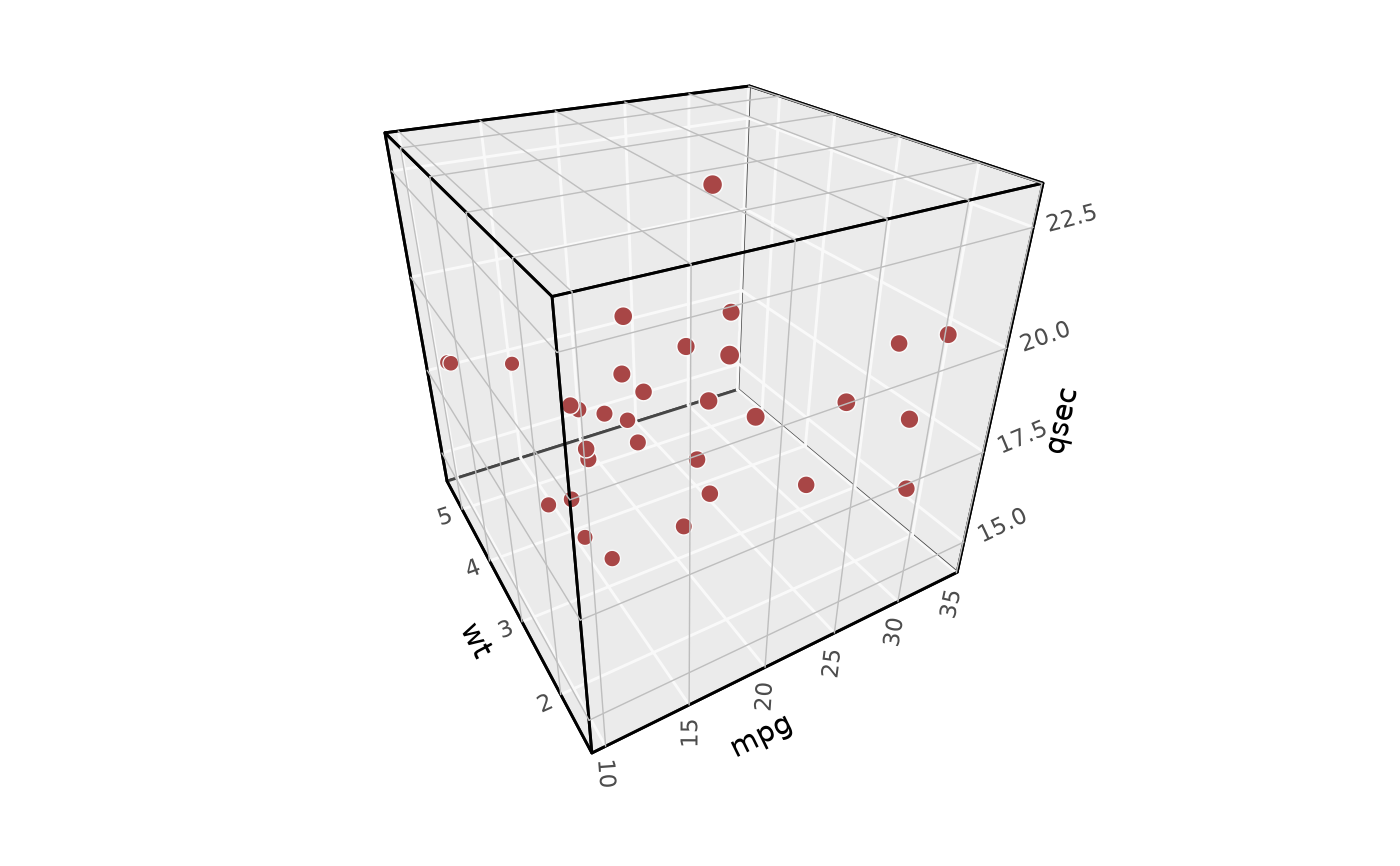 p + coord_3d(rotate_labels = FALSE)
 # }
# }