Plot a phylospatial object
Arguments
- x
phylospatialobject- y
Either
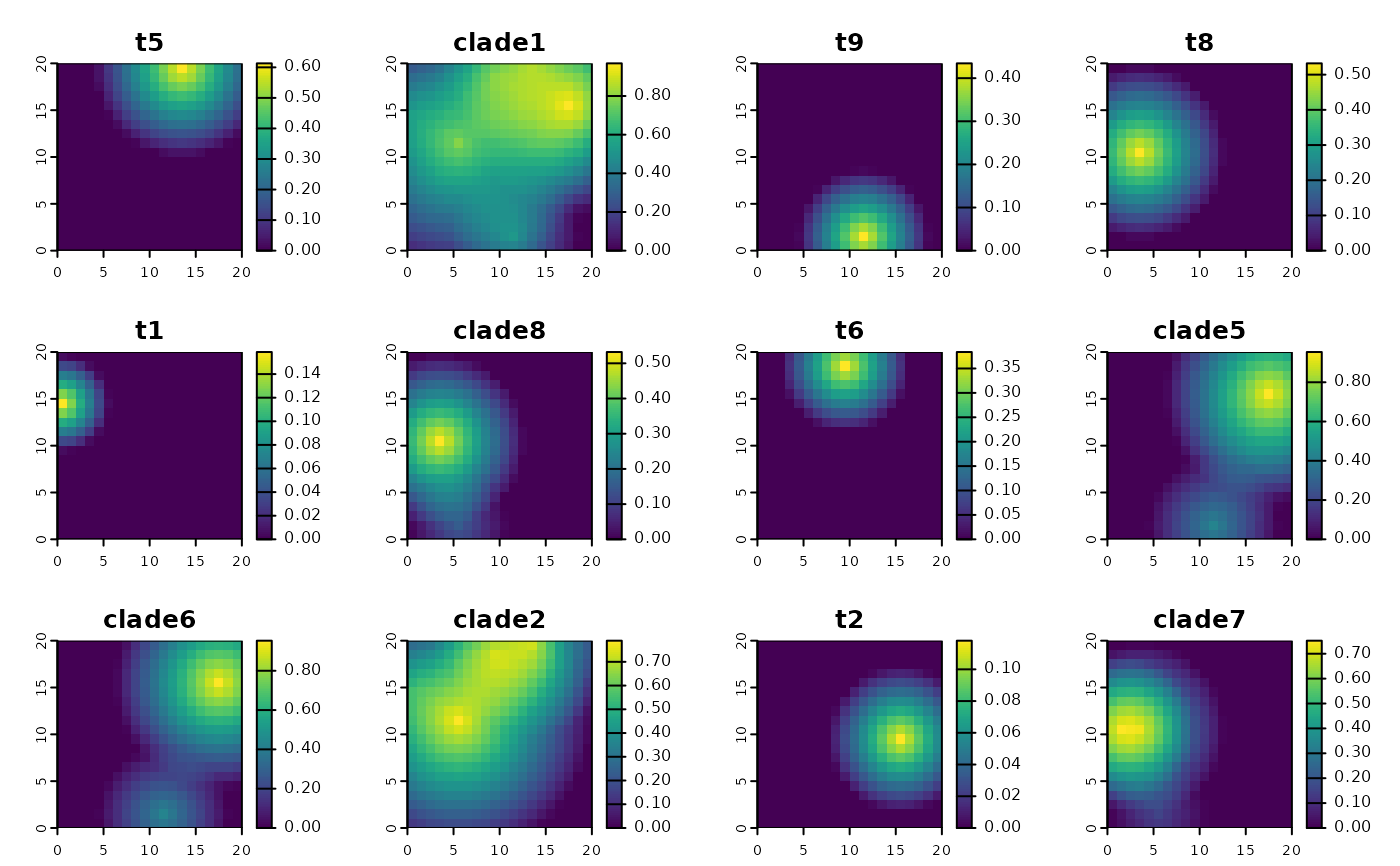
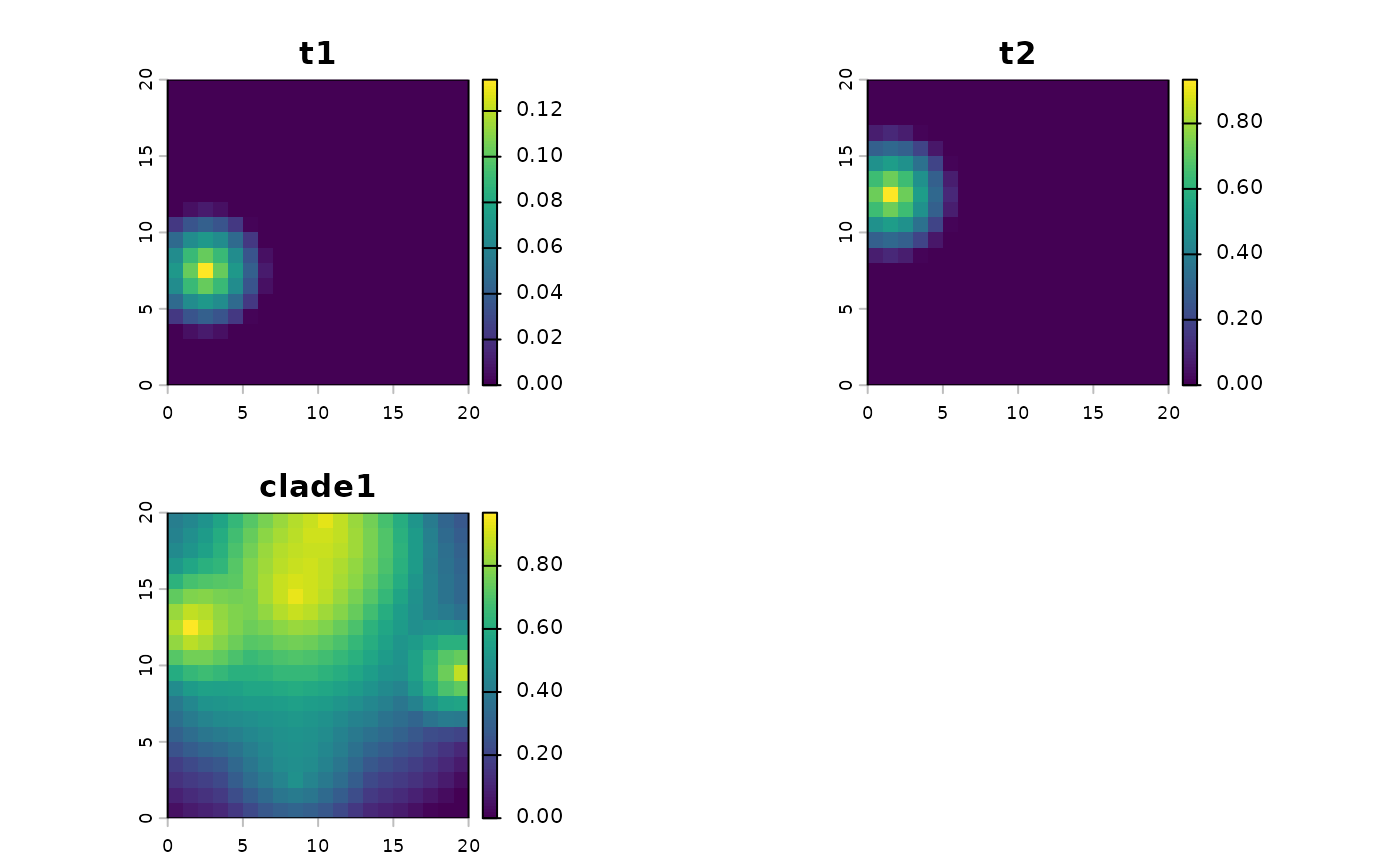
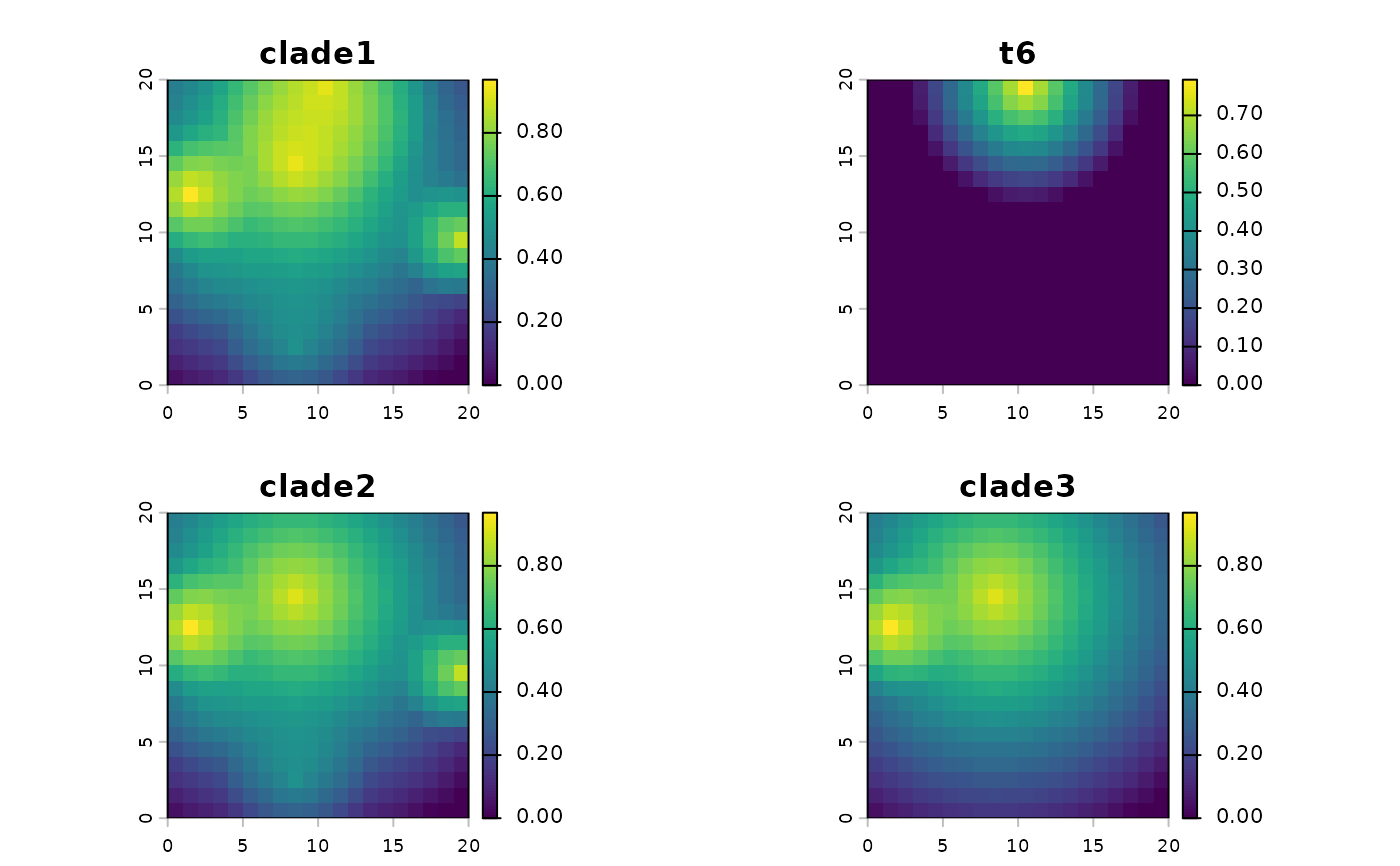
"tree"or"comm", indicating which component to plot.- taxa
Optional vector specifying which lineage ranges to plot if
y = "comm". Either a character vector of lineage names (column names ofx$comm, i.e. tip labels for terminal taxa and"clade1","clade2", etc. for larger clades) or an integer vector of column indices ofx$comm(which correspond to the edges ofx$tree). Ranges are plotted in the order given. IfNULL(the default), a random sample of up tomax_taxalineages is plotted.- max_taxa
Integer giving the maximum number of randomly selected lineage ranges to plot if
y = "comm"andtaxaisNULL. Ignored iftaxais provided.- ...
Additional arguments passed to plotting methods, depending on
yand the class ofx$spatial. Fory = "tree", see plot.phylo; fory = "comm", see plot or plot.sf.